Trimech-Main-Site-Group-Navigation Trimech-Main-Site-Group-Navigation Trimech-Main-Site-Group-Navigation Solid-Solutions-Group-Navigation Javelin-Group-Navigation Solid-Print-Group-Navigation 3DPRINTUK-Group-Navigation Trimech-Enterprise-Solutions-Group-Navigation Trimech-Enterprise-Solutions-Group-Navigation Trimech-Advanced-Manufacturing-Group-Navigation
With over 35 years of experience, the TriMech Group offers a comprehensive range of design, engineering, staffing and manufacturing solutions backed by experience and expertise that is unrivalled in the industry. The TriMech Group's solutions are delivered by the divisions and brands shown here, use the links above to visit the group's websites and learn more.
x
Search

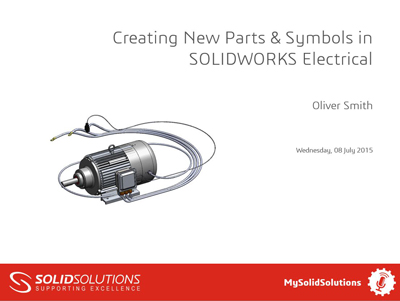
Creating New Parts & Symbols in SOLIDWORKS Electrical

Wednesday July 8, 2015 at 5:34pm None
Learn how to use SOLIDWORKS Electrical to create libraries of new parts and symbols ready for your schematic layouts

View the Video here
SOLIDWORKS Electrical

Related Blog Posts

Crafting Christmas
SolidSolutions 2018 Highlights and 2019 Preview
Consumer Product Design Part 2

 Solid Solutions | Trimech Group

MENU
Top